
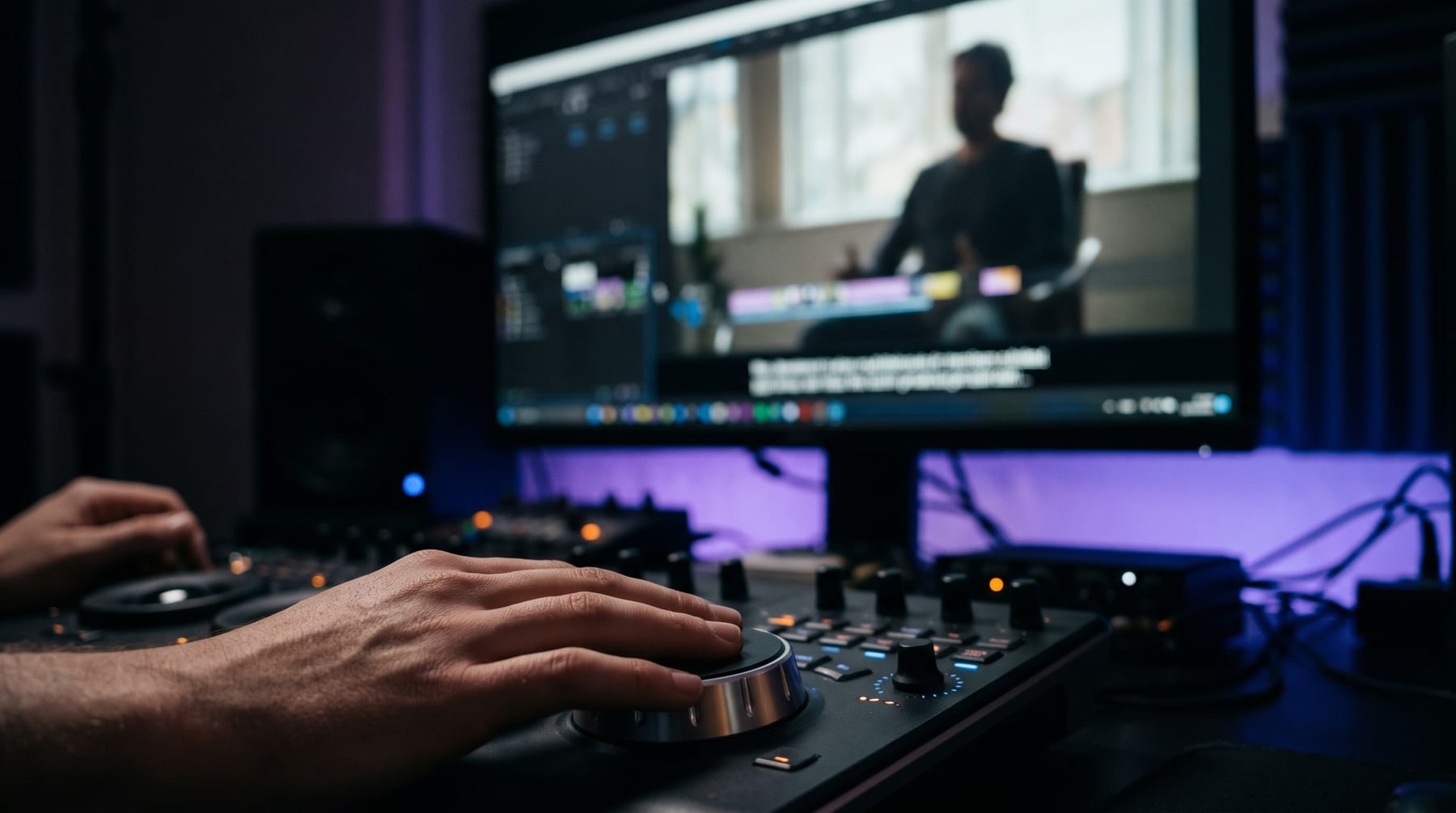
Picture this scene. In a video introducing a new product, the CEO speaks quickly with a bright smile. The subtitles at the bottom of the screen follow every word without dropping a single character. But the moment the viewer finishes the first line and moves down to the second, the subtitle is already gone and the next sentence appears. The eyes chase the letters and miss the CEO's expression; look for the expression, and the letters are missed.
Subtitles look like the job of transcribing speech accurately. But if an accurate subtitle goes unread, who is that accuracy for?
Speech is fast, eyes are slow
In its Korean Timed Text Style Guide for subtitle vendors, Netflix sets an upper limit on reading speed. Korean subtitles for foreign-language content are capped at 12 characters per second for adult programs and 9 characters per second for children's programs. A line is 16 characters, and Latin letters, spaces and punctuation count as 0.5. Subtitles run to a maximum of two lines.
Let's apply the numbers to a scene. Suppose, hypothetically, there is this sentence: “저희가 일 년 동안 준비한 신제품을 오늘 처음으로 소개해 드리겠습니다.” Counted the same way, it comes to 33.5 characters. If the CEO says it in 2.5 seconds, that is 13.4 characters per second. Since this exceeds 12, transcribing it as is goes beyond the reading speed the guideline sets.
The UK BBC's subtitle guidelines point the same way. The recommended rate is 160 to 180 words per minute, and above that speed some editing is expected. There is also guidance to keep each word on screen for about 0.3 seconds. Two guidelines from different countries and languages both take “as much as can be read,” not “exactly as spoken,” as their standard.
There are also lower and upper limits on time. Netflix's general guideline says each subtitle should stay on screen for at least 5/6 of a second (20 frames at 24 fps) and at most 7 seconds. Too short, and there is no time to read; too long, and it lingers after the scene has changed.
Between dictation and subtitles
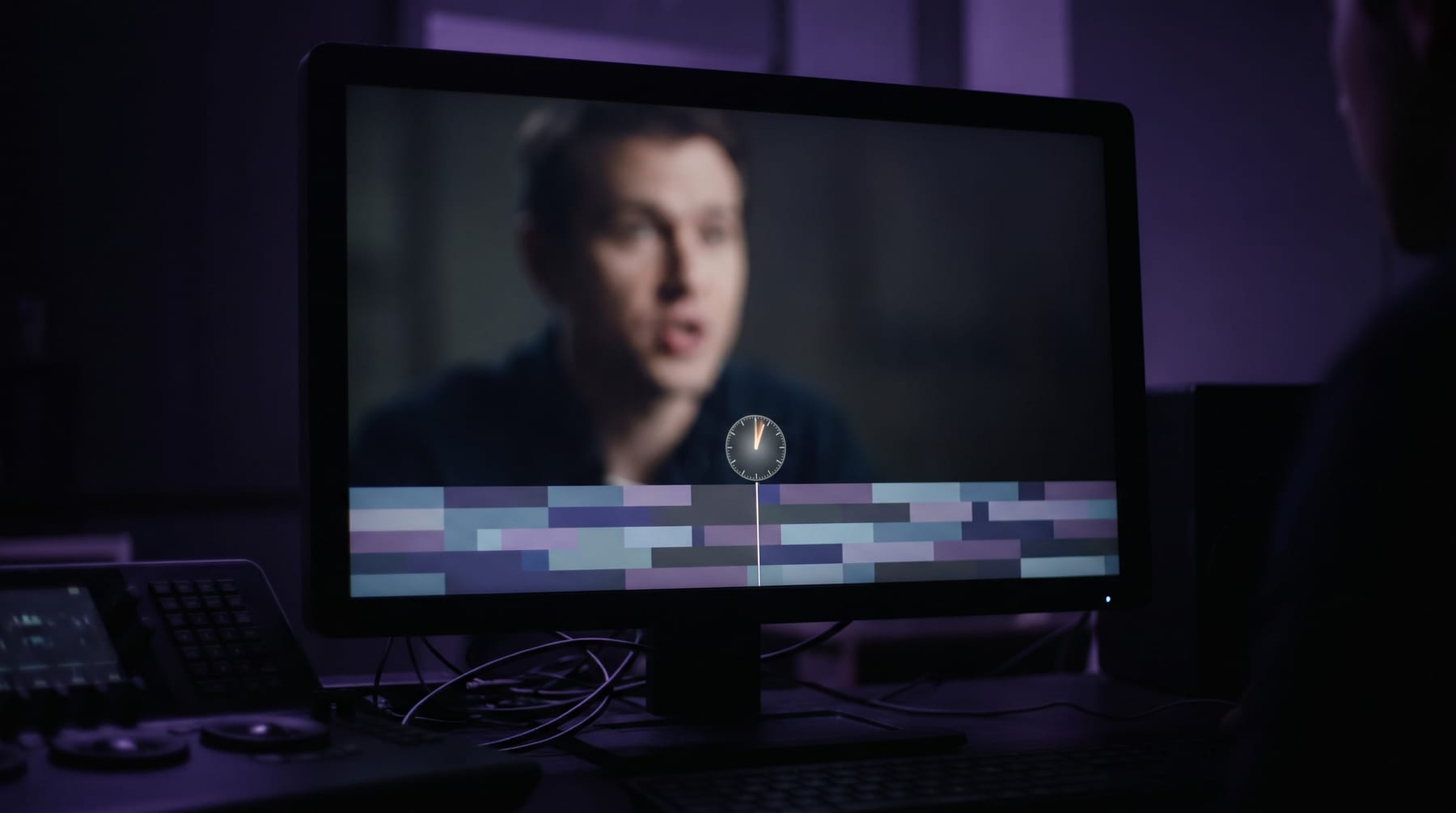
Let's look at the earlier sentence again. Cut while keeping the meaning, it becomes “일 년 준비한 신제품, 오늘 처음 공개합니다.” That is 20.5 characters, readable in 1.7 seconds at the 12-character standard. It is shorter than the speech, but the information the viewer takes away is the same.
What should be cut? Netflix's Korean guideline offers a hint: if the same speaker repeats the same words, transcribe them only once. In sound, repetition becomes rhythm; in text, it only makes people read the same line twice. The rest is a sense developed on the job: after reading a sentence, delete the words that can go without changing the meaning.
- What to cut first — Repetition of the same meaning, filler words used while searching for the next word, and explanations the screen already shows.
- What to keep — Numbers and names, words that express actions, and the conclusion of the sentence.
- What to weigh — Tone and temperature. Trimming can easily turn the CEO's words into office-speak.
The Korean guideline also has rules for when a sentence is split across two subtitles. No ellipsis or dash is used between the two subtitles of one continuing sentence, and no period or comma is placed at the end of a subtitle line. It is a device that lets the eye flow on to the next line instead of stopping at the end of the line.
Cutting also loses something
“Just cut it down” doesn't settle the matter. Netflix's Korean subtitle guideline for the deaf and hard of hearing (SDH) points the other way: include as much of the original dialogue as possible, and do not simplify or water it down. The reading-speed ceiling also rises to 14 characters per second for adult programs. Cutting buys ease of reading at the price of the original's texture.
This guideline shows that the same subtitle is not used the same way by everyone. For someone watching with the sound on, subtitles are a supplement. For someone who cannot hear or does not turn the sound on, subtitles are the video's voice. Rather than settling on one right answer, it is better to start by asking who will watch this video, and in what situation.
There are also places to be careful in practice. Sentences that carry facts such as price, period, conditions, or effects can easily change meaning when cut. It is safer not to let the subtitle editor shorten them at will, and to have a person in charge confirm them.
The screen isn't just for subtitles
Netflix's general guideline places subtitles center-aligned at the top or bottom of the screen, without overlapping text already on screen. Where overlap is unavoidable, it says to place them where they are easier to read. In vertical video this problem grows. The BBC guideline notes that the width equal to 37 characters in 16:9 video is about 25 characters (in English) in 90% of the width of 9:16 vertical video. Each line holds that many fewer characters.
On platform screens, usernames, product tags, and buttons also take up the spot where subtitles sit. What if you set the subtitles first and kept that space clear when composing the frame? It connects to the short-form safe-zone check covered earlier.
The reader's time
Making subtitles is, in the end, matching two people's time: the speaker's speed and the reader's speed. In video, speech does not come back once it has passed. Keeping only as much as the reader can keep up with is also a way of respecting that person's time.
Studio AVIO works as one team, from planning and shooting to post-production and channel distribution.
Right now, are our video's subtitles transcribing speech, or waiting for the reader?
References
- Netflix Partner Help Center - Korean Timed Text Style Guide (Korean subtitle guideline: 16 characters per line, reading speed limits, handling repetition, SDH)
- Netflix Partner Help Center - Timed Text Style Guide: General Requirements (subtitle duration, number of lines, position)
- BBC - Subtitle Guidelines (recommended word rate, line length, vertical video)
If you'd like to plan everything from concept to distribution together, like in this post.
Start a Project