
Once you've chosen your merch items, the next question follows right away: "How should we apply the logo?" Producers' quotes mix in terms like screen printing, DTF, sublimation, embroidery, pad printing, UV printing, and laser engraving. If you choose without knowing the differences, you may find that the colors don't match what you saw on screen, the logo cracks after a few washes, or setup costs drive up the unit price on a small order.
Before it's a design question, the printing method is a question of quantity, material, and number of colors. In this post, based on public guides from international custom apparel and promotional products companies and materials from equipment makers, we outline the characteristics of 7 printing and finishing methods commonly used for merch and how to choose among them. It's designed as a reference that brand managers ordering merch for the first time can use when talking with producers.
1. For high-volume, single-color logos, start with screen printing
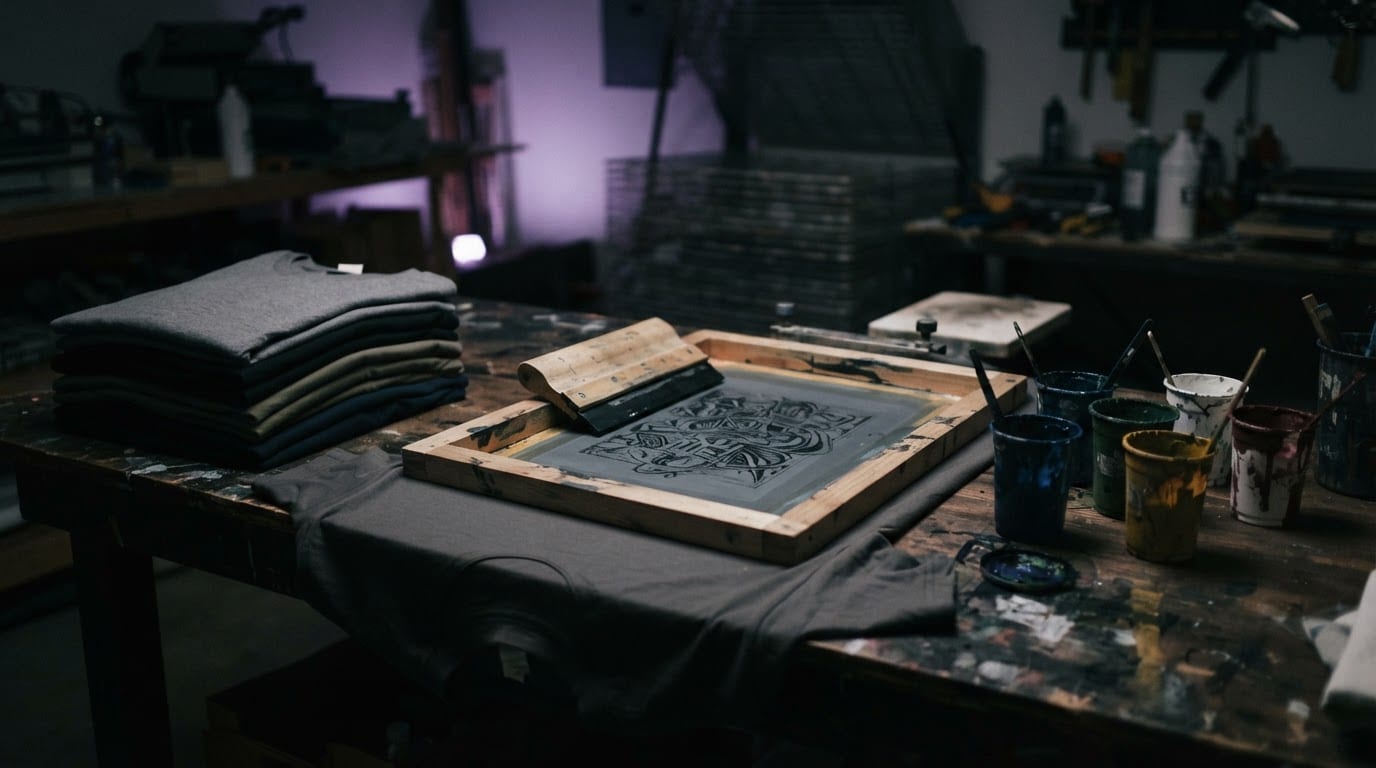
Screen printing pushes ink through a mesh (screen) onto fabric. In a guide published in July 2025, US custom apparel company Custom Ink explains that each color in the design needs its own screen, and colors are printed one at a time. It notes that most screen-printed designs use 1–6 ink colors, and that the fewer the colors, the more cost-efficient large orders become.
Because of this structure, screen printing involves an upfront cost to make the screens, but the per-piece price drops as quantity rises. Custom Ink recommends 24 pieces or more for a good unit price, and says that with proper care, the print won't crack or fade for years. If you're making many pieces of the same design, like event staff T-shirts, and your logo uses just 1–2 colors, this is the first method to consider.
- Well suited for: high-volume apparel and tote bags with the same design, and when brand colors must be matched precisely with spot colors
- Less suited for: illustrations with many colors, gradients, photos, and personalization where each name is swapped in one by one
- Ordering tip: The number of colors equals the number of screens, so preparing 1–2 color versions of your logo can change your quote
2. For small runs, multiple colors, or dark fabrics, consider DTF
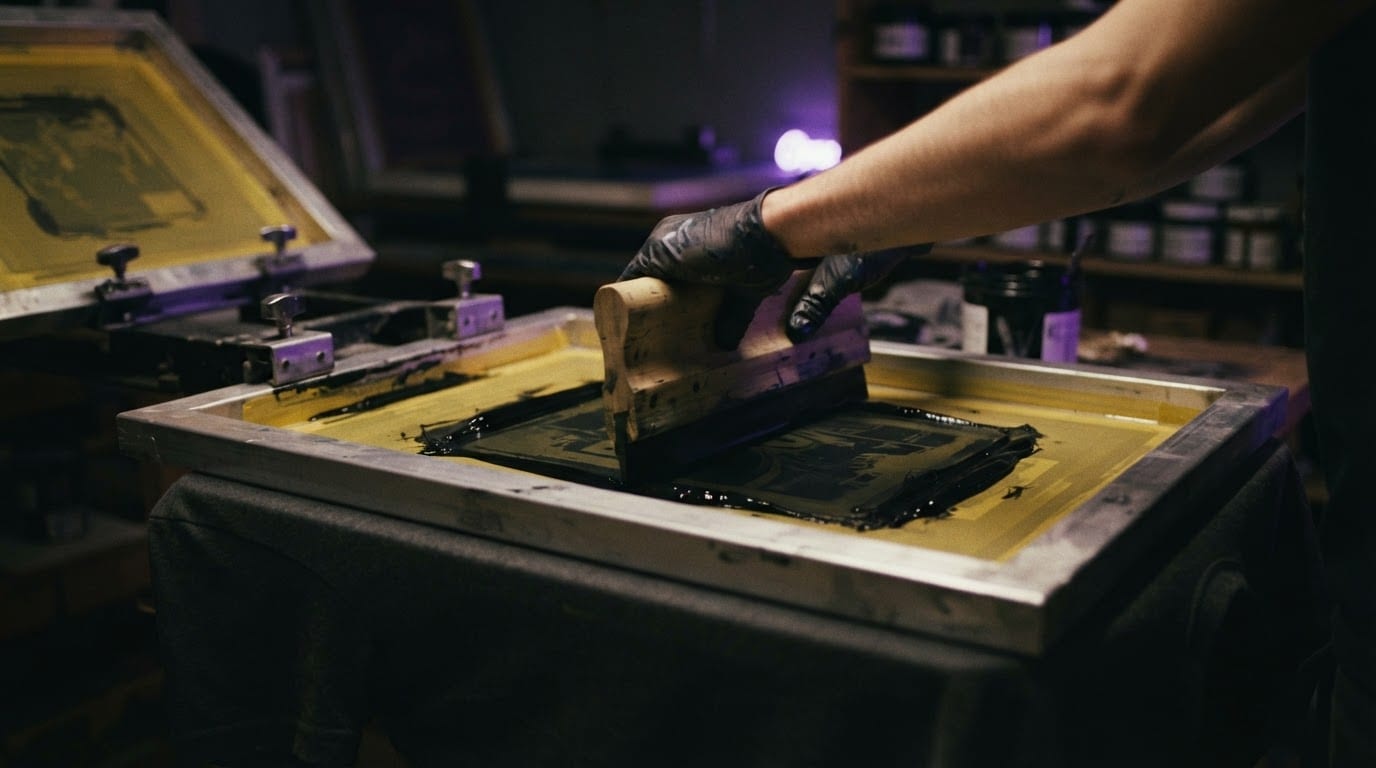
DTF (Direct to Film) first prints the design onto a special film, then applies and cures an adhesive powder before transferring it to fabric with a heat press. The comparison guide from print-on-demand platform Printify explains that DTF adheres to many fabrics, including cotton, polyester blends, and nylon; thanks to its white base layer, colors show well on both light and dark fabrics; and it usually requires no pretreatment.
Because no screens are made, it's well suited to multicolor designs and small orders. However, the same guide adds that because DTF leaves a thin film on the fabric, designs that fill a large area can feel somewhat stiff. For merch with small quantities and vivid artwork, such as pop-up limited editions, DTF may be the answer; if you need to print a large area softly, another method may be better.
DTG (inkjet printing directly onto fabric), another digital method, can also print from a single piece without screens, and Custom Ink advises that digital printing is better for designs with many colors, gradients, or photos. Which digital method is used depends on the producer's equipment, so you can confirm it together at the quoting stage.
3. For all-over printing on polyester, sublimation excels
In sublimation, ink turned into gas by heat permeates the fabric fibers. According to Vistaprint's guide, sublimation works best on white or light-colored polyester, while untreated cotton T-shirts can't hold the color through washing. Because the ink is transparent, it can't cover the fabric color beneath, and standard sublimation printers can't print white, so unprinted areas show the fabric color as-is.
In return, the advantages are clear. Because the ink goes into the fibers, there's no film on the surface, so it feels soft and stays breathable, and the same guide says the colors don't crack or peel and usually last as long as the garment. It's a good fit for all-over designs on a white polyester base, such as sports uniforms, performance T-shirts, and bandanas or cushion covers with patterns across the entire fabric.
4. For premium merch meant to last, use embroidery
Embroidery gives a premium impression on long-lasting items such as caps, outerwear, knitwear, and pouches. But because the design is rendered in thread, constraints are significant. Custom Ink's embroidery design guide recommends text at least 0.25 in (approx. 6.4 mm) tall and lines at least 0.05 in (approx. 1.3 mm) thick, noting that smaller text or thinner lines may be simplified, enlarged, or dropped.
Color reproduction differs, too. According to the same guide, gradients and halftones can't be rendered in embroidery, and it's best to avoid photographic images and rough-textured graphics. Pantone colors are matched to the closest thread color in stock, and fluorescent and metallic colors can't be produced in embroidery. Printful likewise limits flat embroidery to 6 thread colors per design.
| Embroidery design check | Recommended standard (per Custom Ink) |
|---|---|
| Text height | 0.25 in (approx. 6.4 mm) or more |
| Line thickness | 0.05 in (approx. 1.3 mm) or more |
| Gradients · halftones | Can't be rendered → simplify into solid color areas |
| Fluorescent · metallic colors | Can't be embroidered → replace with the closest thread color |
| Ideal size | Best at about chest-pocket size |
So rather than using your print logo as-is for embroidery, the surest way to get a stable result is to create a separate embroidery-specific version with small text removed and lines thickened.
5. For hard goods like pens and tumblers, choose among pad printing, UV printing, and laser engraving
Hard merch that isn't fabric calls for different methods again. According to the glossary of promotional products industry body ASI, pad printing picks up ink from a plate engraved with the design using a silicone pad and stamps it onto the product. Because the pad flexes, it's used on curved or uneven surfaces such as pens, golf balls, USB drives, and keychains. Each color requires a separate pass, so most jobs use 1–4 colors, and digital printing is better suited to gradients or photos.
UV printing sprays ink that cures instantly under ultraviolet light directly onto the object. Equipment maker Roland DGA stated that the flatbed UV printer it introduced in September 2013 prints directly on three-dimensional items such as pens, golf balls, and phone cases, and can use white and clear ink together to create effects such as gloss or matte textures and embossing. Unlike pad printing, it can print multicolor designs in small quantities without plates.
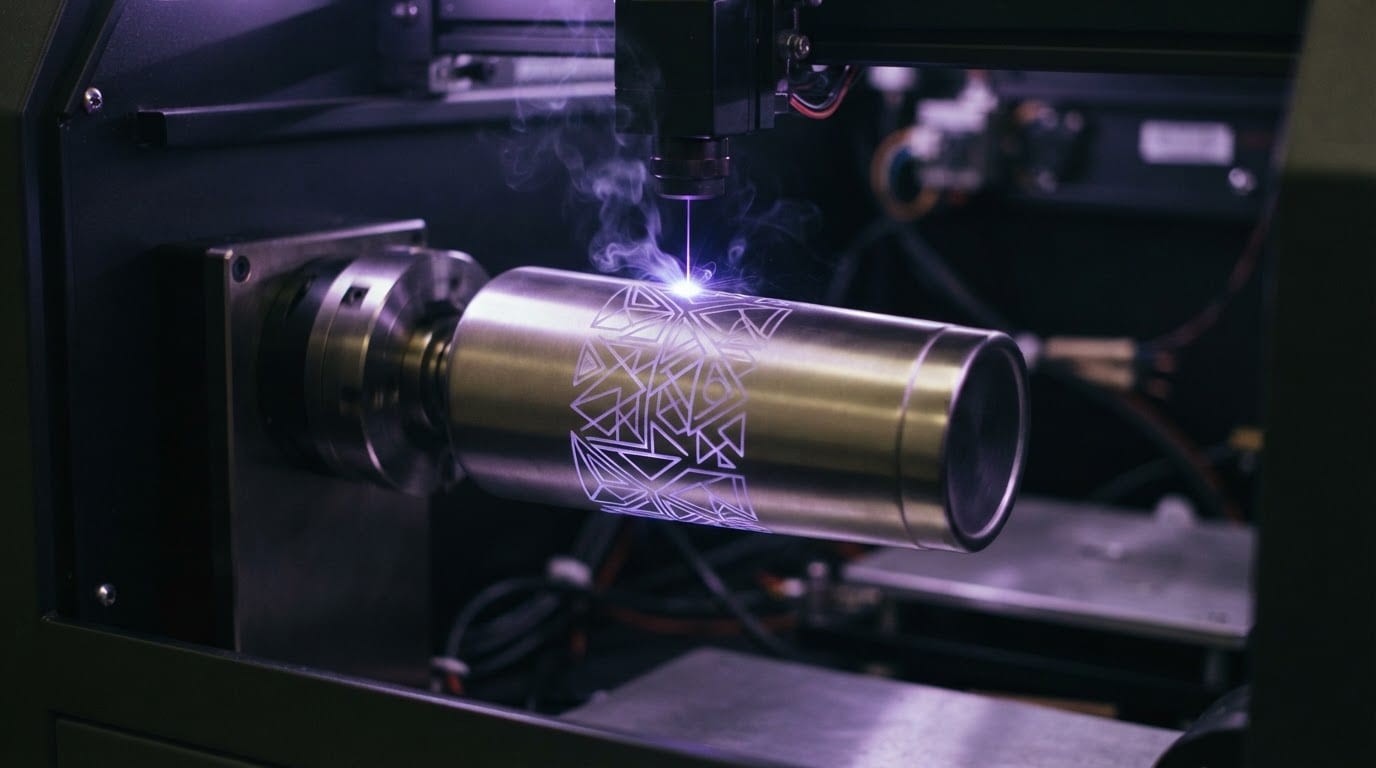
Laser engraving etches or marks the surface with a laser instead of ink. Laser equipment maker Trotec notes that logos and text can be engraved on a wide range of materials, including wood, acrylic, glass, leather, and metal, and that permanent marking is possible on metal and plastic. It also describes the method as well suited to personalization, where each piece carries a different name, and to small runs. Because it uses no color, it can't show brand colors, but it pairs well with merch whose material is premium in itself, such as stainless steel tumblers or solid wood accessories.
Printing and finishing methods at a glance
| Method | Typical items | Strengths | What to check |
|---|---|---|---|
| Screen printing | T-shirts, tote bags | Lower unit price at higher volume, spot colors | Needs a screen per color; unfavorable for small, multicolor runs |
| DTF | Apparel in general | Small runs and multiple colors; works on dark fabrics | Large areas can feel somewhat stiff |
| Sublimation | Polyester apparel, fabric accessories | All-over printing, film-free feel | Light polyester only; can't print white |
| Embroidery | Caps, outerwear, pouches | Durability, premium impression | No small text or gradients |
| Pad printing | Pens, golf balls, keychains | Curved surfaces · small areas | Mostly 1–4 colors; no photos |
| UV printing | Cases, pens, hard accessories | Multicolor without plates, texture effects | Limits on object size and height |
| Laser engraving | Tumblers, wood and leather accessories | Permanent marking, personalization | No color; depends on material |
Checklist before choosing a printing method
- Have you first decided the total quantity and the number of designs (one design in volume, or several designs in small runs)?
- Have you checked the fabric or material (cotton, polyester, metal, wood, etc.) and the base color?
- Have you noted the number of colors used in the logo and design, and whether it includes gradients or photos?
- Have you provided brand colors as spot colors (Pantone numbers), and accounted for colors possibly shifting depending on the fabric or material?
- For methods with heavy design constraints, such as embroidery or pad printing, have you created a dedicated simplified version?
- Have you scheduled time to check physical samples for color, feel, and condition after washing?
- Have you compared quotes based on the total, including plate and setup fees?
Choosing the right printing method means your merch lasts longer and stays in better condition on the same budget. Decide quantity and material before finalizing the design, then choose the appropriate method together with the producer. AVIO works on merch and promotional products from the planning stage, so if you're unsure about items or methods, feel free to reach out.
References
- Custom Ink Blog - Screen Printing Custom T-Shirts (2025.07)
- Printify - DTF vs screen printing: Which is right for your business?
- Vistaprint - Dye sublimation printing
- Custom Ink Help Center - Optimizing Your Embroidery Files for Best Results
- Printful Help Center - How should I prepare my design for embroidery?
- ASI - What Is Pad Printing?
- Roland DGA - Roland Expands VersaUV Line with New 20-Inch Benchtop UV Flatbed Printer (2013.09)
- Trotec Laser - Promotional products applications
If you'd like to plan everything from concept to distribution together, like in this post.
Start a Project